Resona

NMR Studio — a workbench for 1D, 2D, 3D and dynamic NMR. It opens the data you already have, fits what moves, and proposes protein and glycan assignments for you to review. Your AI agent can drive it file-first, through a local AI server.

Download · Windows setup v0.1.0 THE PAGE RUNS δ 10.00 → 0.00. SCROLL.
FT-NMR · 700 MHz · v0.1.0
ACQUISITION PARAMETERS
FIELD
700.13 MHz
PROBE
TCI cryo
TEMP
298.0 K
RELEASE
v0.1.0 · OCT 2026
INSTALLER
WINDOWS x64 · MAC ARM64 · LINUX x64
ADD-ON
LOCAL MCP SERVER
SIGNATURE DEMO — GLYCAN AUTO-ASSIGNMENT · SILENT LOOP · CLICK VIDEO FOR CONTROLS RESONA · δ 4.70
δ 8.30
δ 8.30the amide envelope — where most of the work lives

Ten instruments,
registered as peaks.

Everything Resona does, one line per module — plain words, no brochure. Your AI client can reach each of these too.

PK 07 is flagged as the flagship. It earns it further down the page, at δ 4.70.

PK 01

Opens your files as they are

Bruker pdata, NMRPipe FT, Sparky .ucsf — just open them. Nothing is ever written back into your folders.

BRUKER · NMRPIPE · UCSF
PK 02

1D processing

Raw FID to phased spectrum: apodize, transform, phase — autophase included — then set your reference and go.

FT · PHASE · REFERENCE
PK 03

Peaks & multiplets

Auto picking in any polarity, multiplet patterns, deconvolution, and J values quoted as honest intervals — never a bare number.

AUTO-PK · J · ∫
PK 04

2D at the centre— the main experiment

Contours, strips, projections and 3D cubes. This is where the 2D work happens.

CONTOURS · STRIPS · LINK
PK 05

For moving peaks

VT lineshapes, titration Kd, T₁/T₂/T₁rho — each fit comes with its report, so you can see what the number stands on.

VT-FIT · Kd · T₁/T₂
PK 06

Protein backbone proposals

Your triple-resonance set walked, scored and linked — then handed to you for approve-or-hold. (Details at δ 3.62.)

BACKBONE · YOU CONFIRM
PK 07

Glycan assignment— flagship

HSQC, TOCSY and HMBC read together against measured shifts — SNFG cartoons, mixtures, qNMR. (Home turf at δ 4.70.)

HSQC · TOCSY · HMBC
PK 08

NMRPipe, from inside

Conversion and processing without leaving Resona — Windows via WSL2, native on Mac and Linux. Uses your own Pipe install.

UI · WSL2 · NATIVE
PK 09

Fits, ready to run

NMRSim fit inputs prepared here for the TopSpin side — scripts and templates, composed and editable.

FITS · TEMPLATES
PK 10

Your AI can drive it

Claude, Cursor, any AI client — 55 tools through a local server, with manuals it reads itself. It prepares; you confirm.

AI AGENTS · 55 TOOLS
δ 7.26
δ 7.26residual CHCl₃ — every dataset has a solvent peak; start there

Open what you have.
Process without ceremony.

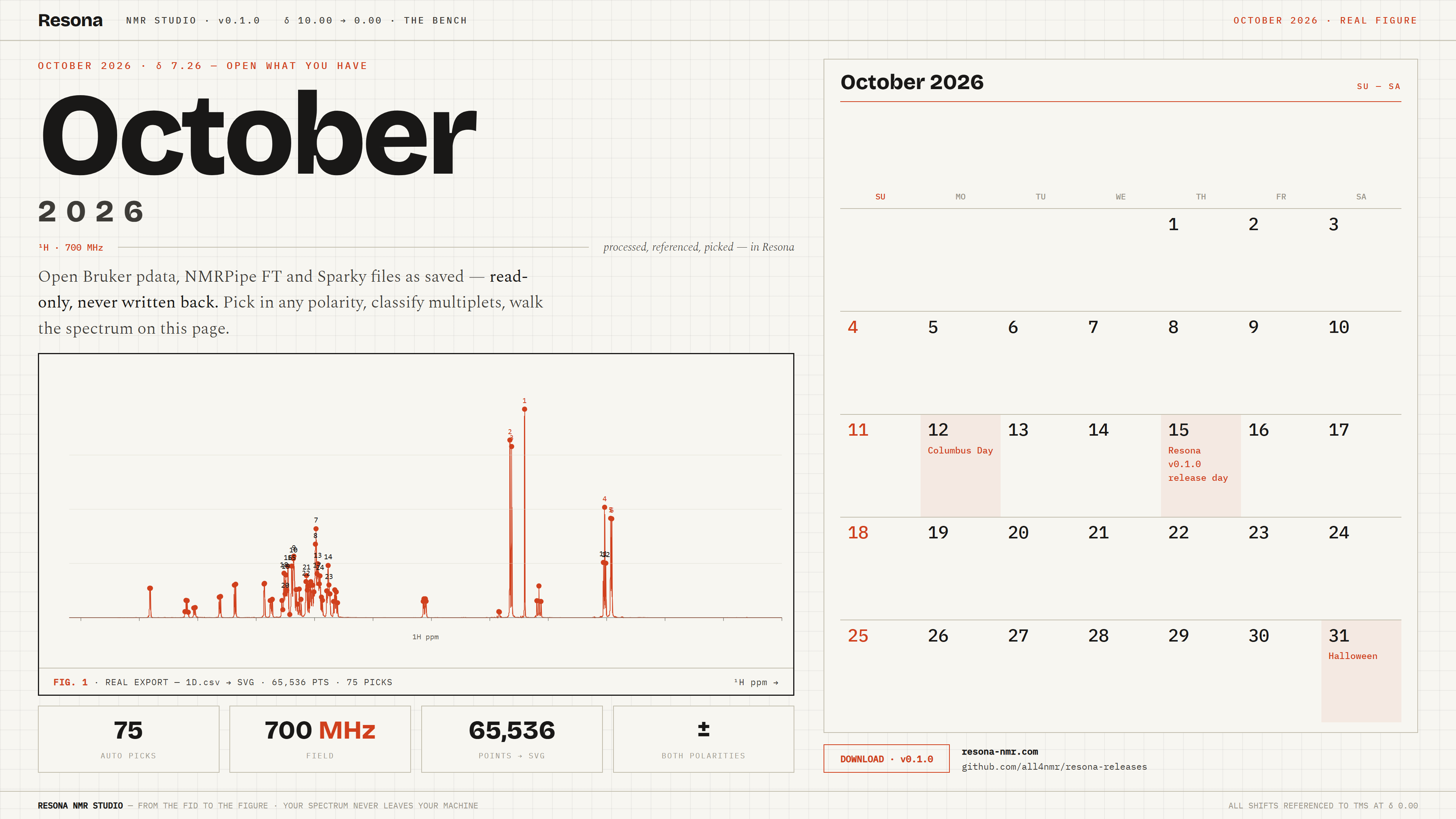
Most software asks you to convert or re-process before you may look. Resona reads processed Bruker pdata, NMRPipe FT files and Sparky .ucsf projects as you saved them — read-only, nothing is ever written back into your source folders — and then gets out of the way.

The processing dock turns raw Bruker FIDs into phased spectra; picking runs in positive, negative or both polarities; multiplets are classified and deconvolved against a kernel measured on the same spectrum; and in 2D and 3D, strips and projections follow your peaks across experiments.

BRUKERprocessed pdata 1r/2rr/3rrr · raw fid/ser preview · recipe adoption
NMRPIPE.ft / .ft1 / .ft2 frequency-domain files
SPARKY.ucsf 2D & 3D + peak lists · orientation verified on load
FIG. 1¹H, processed and referenced in Resona. Integral drawn in red on scroll — the small everyday magic.
δ 5.40
δ 5.40broadened, averaged, exchanging — dynamics live here

Peaks move.
Measure how.

Three dynamic-NMR instruments in the DNMR menu, wired to the same engines your AI client calls. These are small working models — drag, and the fit follows.

252 K
k_ex 14 s⁻¹ · ΔG‡ 51.4 kJ/mol · slow exchange
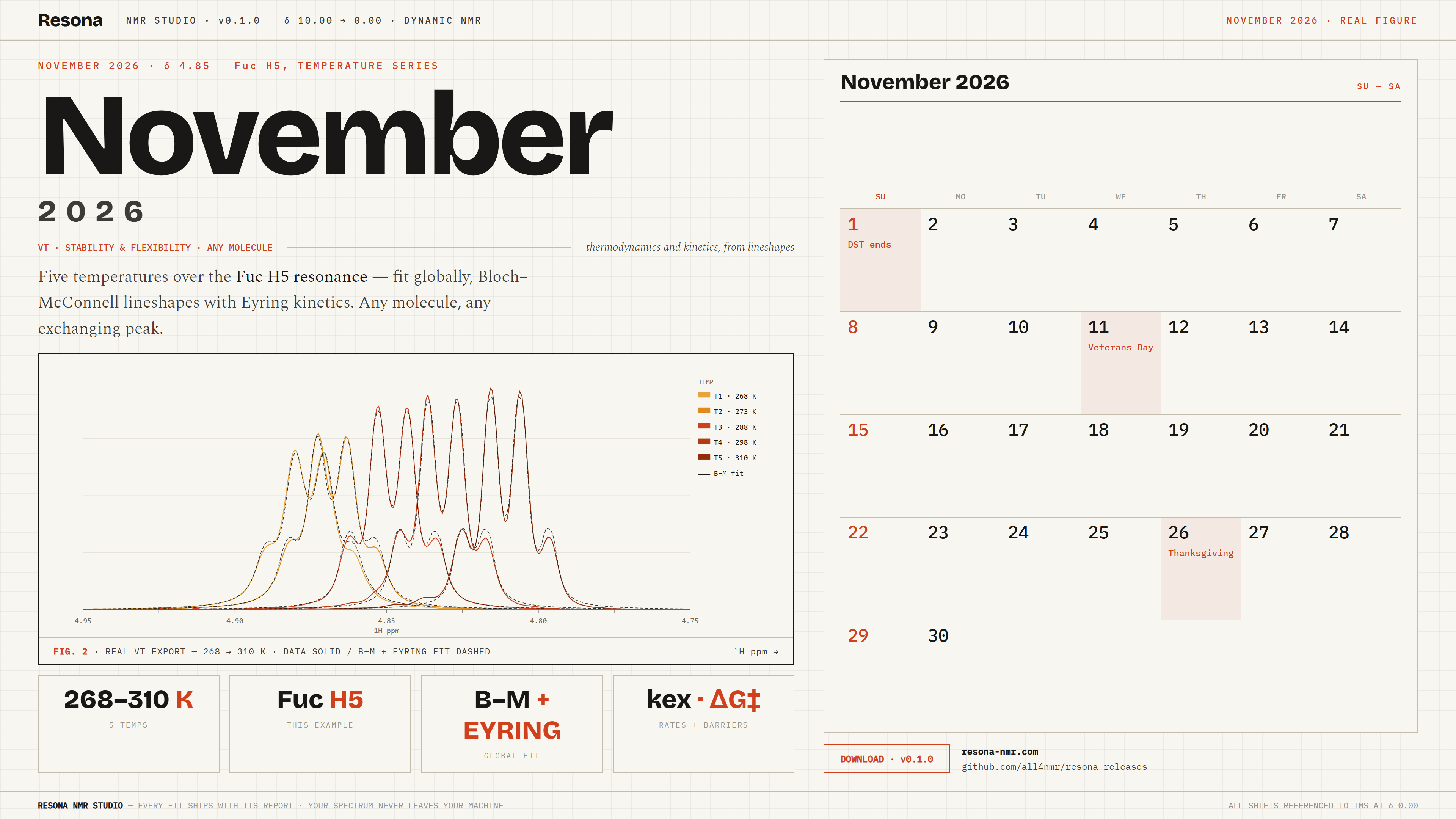
FIG. 2VT lineshape, two-site Bloch–McConnell exchange. Warm the sample; watch coalescence arrive. This widget runs the same forward model as the program in the browser (illustrative parameters) — the program fits it globally over all temperatures, Eyring for kex and van’t Hoff for populations, with a per-temperature table.
0.0
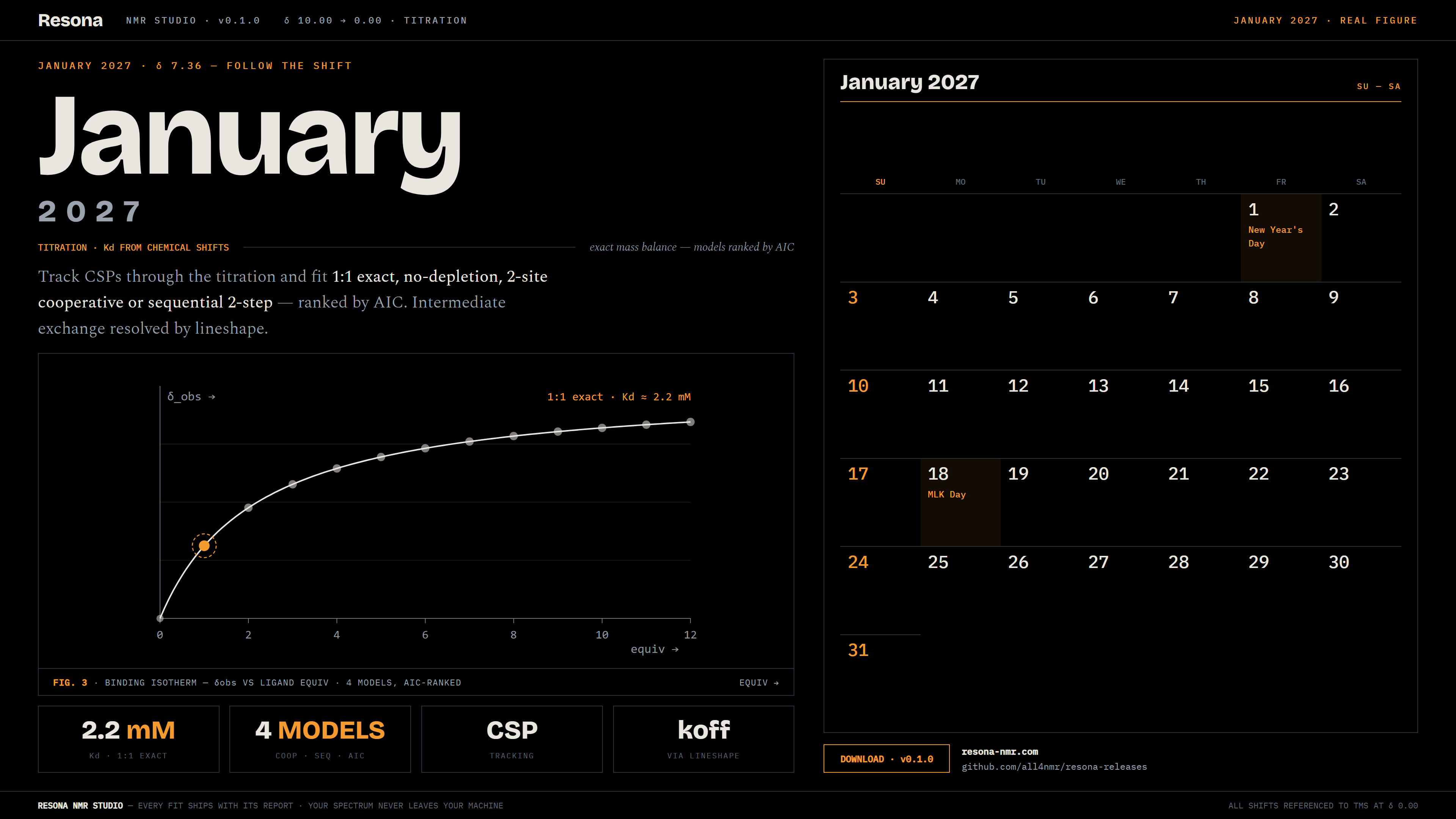
δ_obs 7.361 · K_d ≈ 2.2 mM
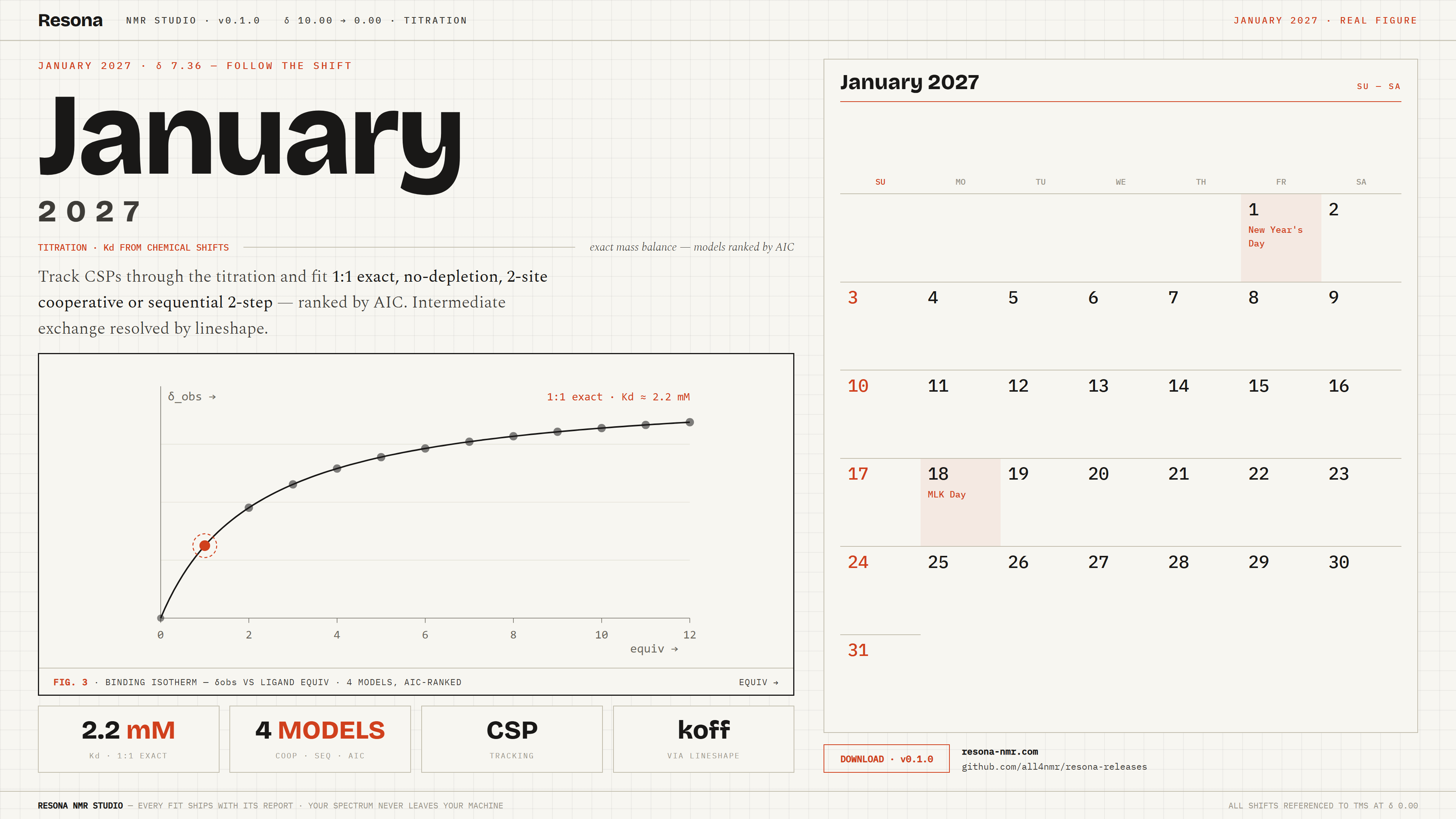
FIG. 3Titration — CSP tracking with a 1:1 exact-mass-balance fit (two-site, cooperative and sequential models available, ranked by AIC). Intermediate exchange goes to the Bloch–McConnell lineshape tab for Kd + koff.
idle — series loaded
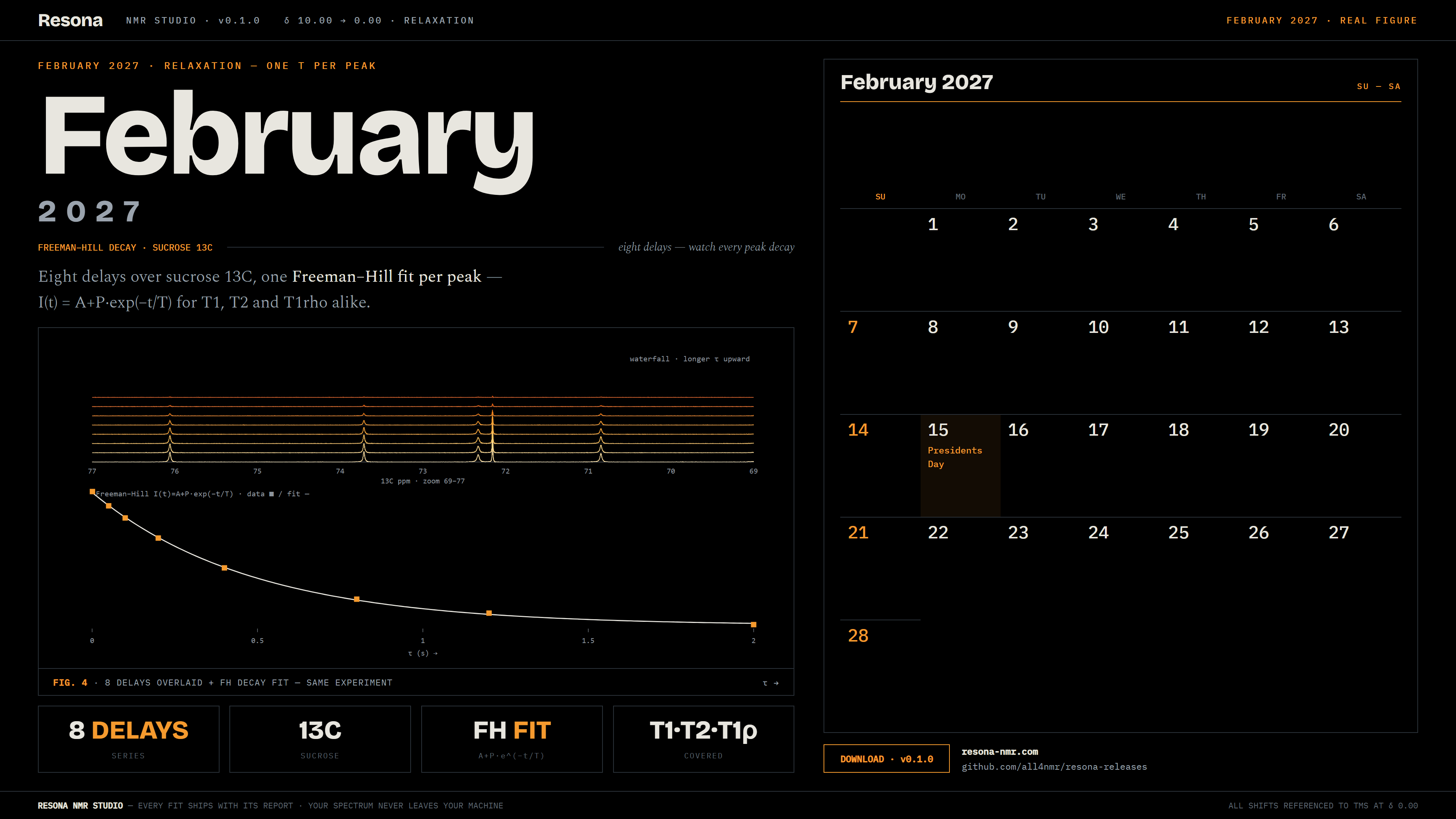
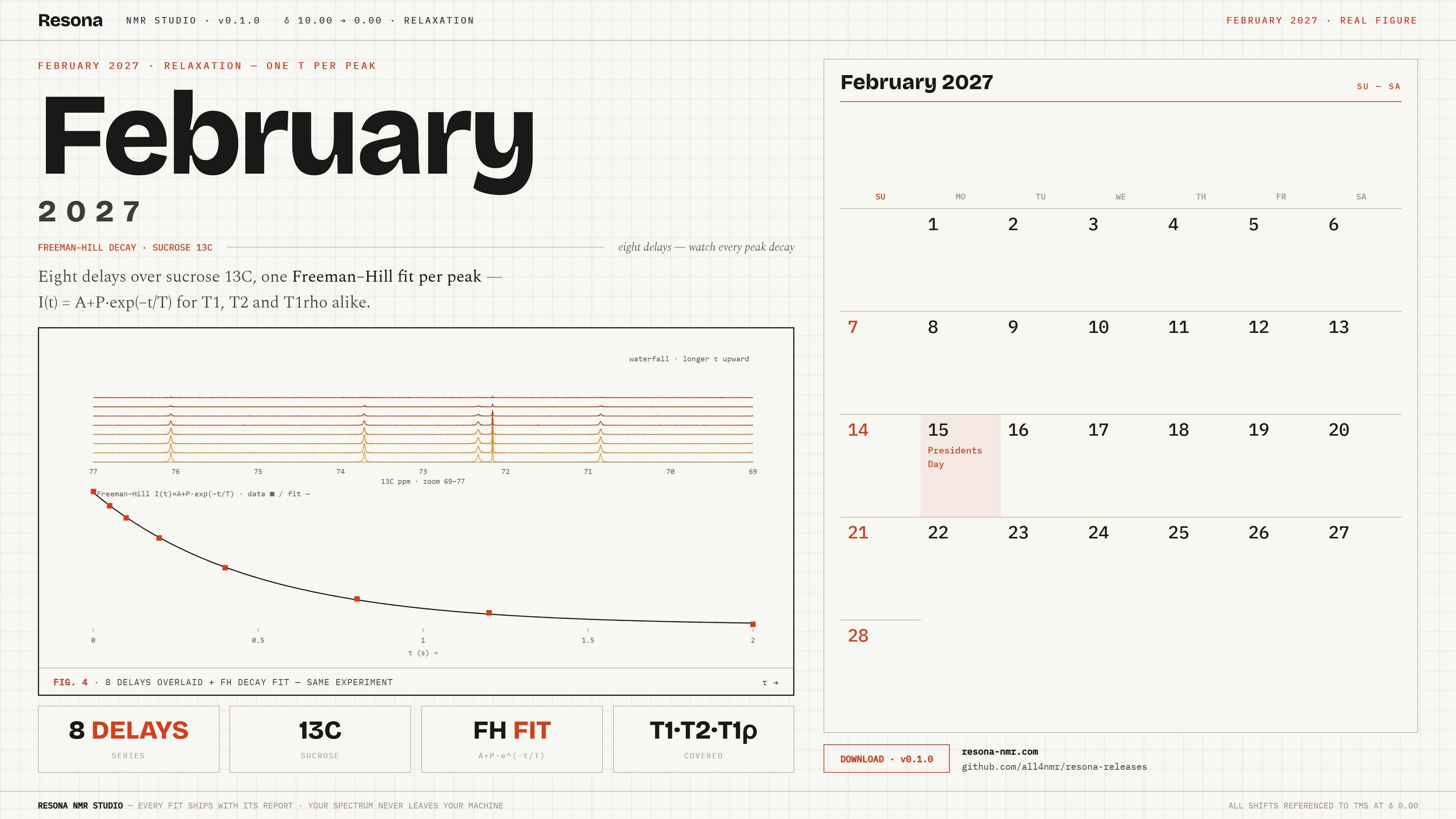
FIG. 4Relaxation — mono-exponential T₁/T₂/T₁rho from a Bruker series, Freeman–Hill form for HETCOR sequences.
INTER-SCAN · NS = 3while the magnet settles, watch

Three short recordings.

Introducing Resona | The Modern, Easy-to-Use NMR Software
FILM 01 · YOUTUBEIntroducing Resona | The Modern, Easy-to-Use NMR SoftwareYouTube ↗
Resona Ep.2 - Seamless NMRPipe Processing (WSL2/macOS) & Auto-Fit Guide
FILM 02 · YOUTUBEResona Ep.2 - Seamless NMRPipe Processing (WSL2/macOS) & Auto-Fit GuideYouTube ↗
Advanced Dynamic NMR Analysis with Resona: VT-Fit & Relaxation (T1/T2) Tutorial
FILM 03 · YOUTUBEAdvanced Dynamic NMR Analysis with Resona: VT-Fit & Relaxation (T1/T2) TutorialYouTube ↗
δ 4.70
δ 4.70the anomeric region — where glycans announce themselves

The anomeric region
is our home turf.

THE FLAGSHIP

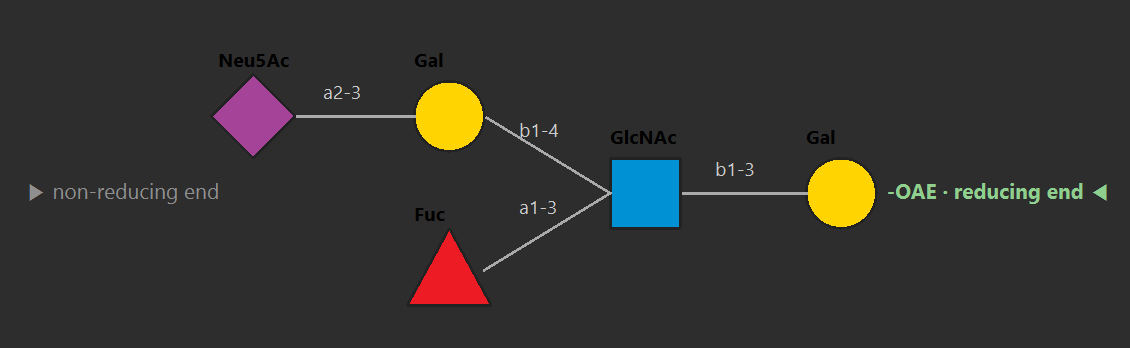
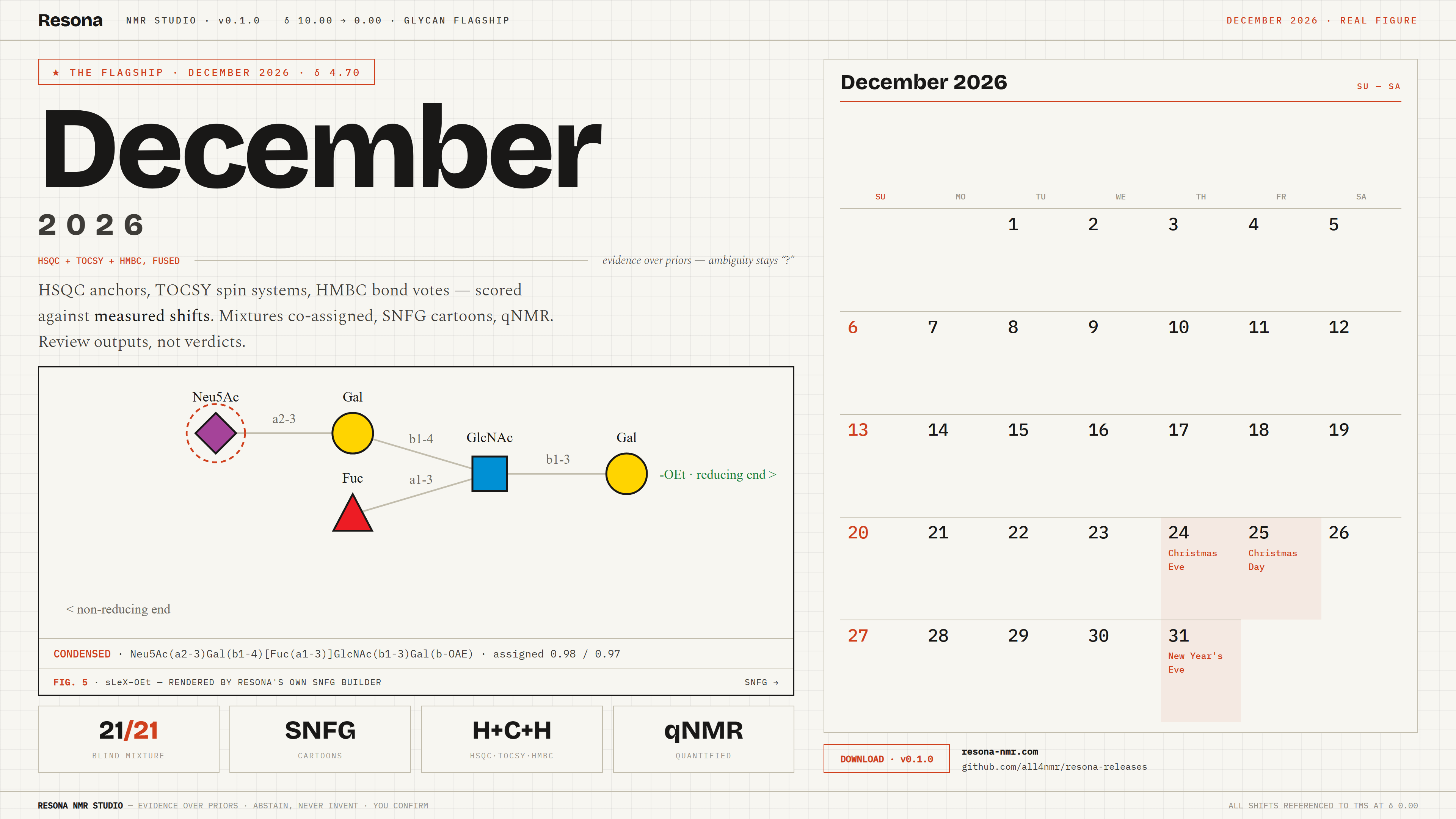
sLeX SNFG cartoon — Neu5Ac–Gal–(Fuc–)GlcNAc–Gal 3.553.613.72 3.803.69 4.584.54 4.444.47 2.031.23 assigned · 0.98assigned · 0.97
FIG. 5sLeX–OEt, SNFG notation — residues, linkages and both ends at a glance.
TRY IT · SNFG MINI BUILDERsame shapes · colors · condensed text as Resona
—
→

Glycan spectra are dense, overlapped, and unforgiving of guesswork — linkage and composition shift everything. Resona answers with evidence fusion: HSQC anchors, prediction-free TOCSY spin systems, a DUAL ring walk with HMBC bond votes, all scored against a measured-shift library with linkage increments and neighbour corrections. Your own measurements outrank the built-ins, and anything tied stays “?” for review.

  • —HSQC + HSQC-TOCSY + HMBC (+NOESY) — full combo first, HSQC-only degrades gracefully to anchor-only.
  • —Mixtures co-assigned over linkage slots, labels suffixed −M1/−M2; folded methyls unfolded, never guessed.
  • —SNFG cartoons, 1D simulation, qNMR (two-molecule relative or absolute vs an internal standard) and Save-to-library in the same panel.
  • —Review outputs, not verdicts: repair log, anomeric top-3, unknowns — ambiguity flagged openly. No black boxes.
21/21blind mixture check
300glycan unit tests pass
5experiments fused
δ 3.62
δ 3.62the Hα region — the backbone walk passes through here

Walk the backbone, faster.

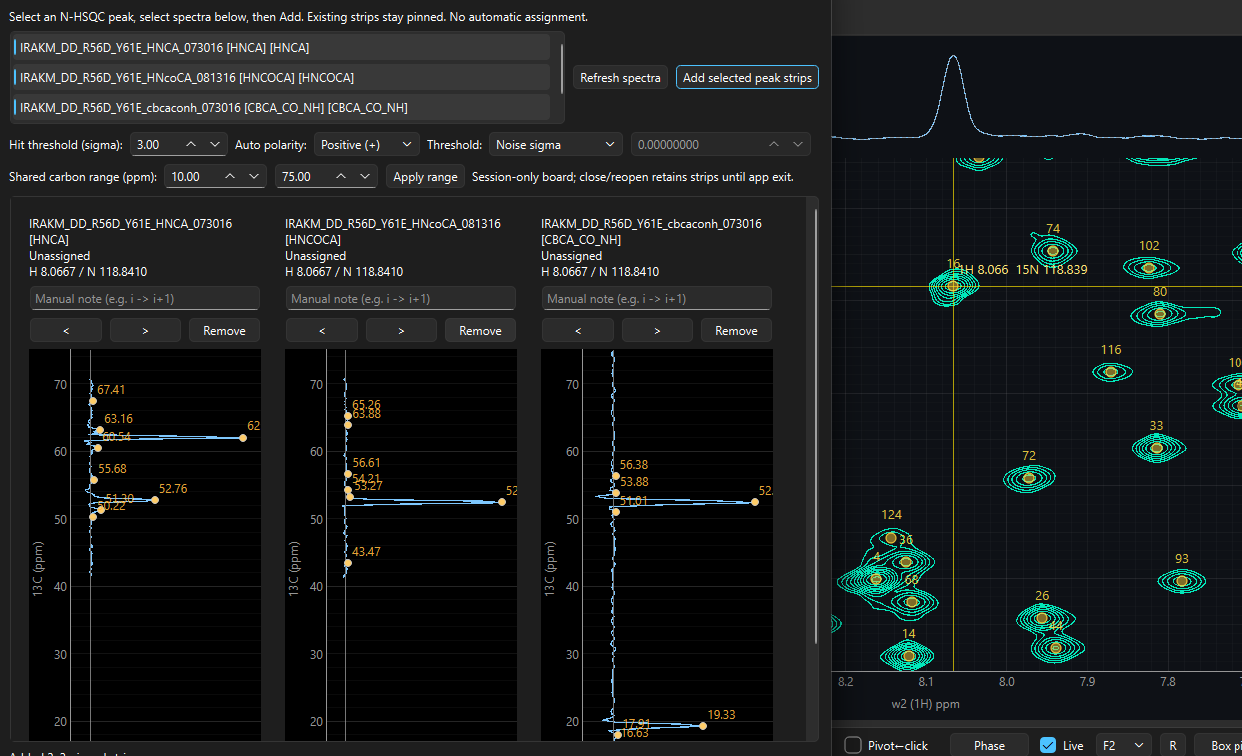
Protein assignment in Resona mechanises the strip reading you would do by hand — one spin system per HSQC root, carbon strips read in every bound 3D, systems scored at every sequence position and linked into chains by carbons that must agree in two strips. Weak evidence produces abstained, never a guess.

Predictions are a bounded prior, not a tolerance: leave the field empty and the bundled POTENCI random-coil predictor fills N/H/C/HA/HB (a user CSV always wins — and a structure-based CSV is the biggest accuracy lever). Placed rows become labels only through the review gate: approve or hold each candidate, preview the bindings, apply tentative labels, undo any time.
INPUTHSQC · HNCA · HN(CO)CA · CBCA(CO)NH (+HNCACB/CCONH) · one-letter sequence
OUTPUTplacements.csv + report.json · tentative labels AAresnum:ATOM? [root n]
POLICYevidence over priors · abstain, never invent · human-gated apply
Carbon strip readout in Resona
FIG. 6Carbon strips in Resona — one trace per root, hits marked where the reader finds them.
δ 2.50
δ 2.50residual DMSO — patient, dependable, gets along with everyone

Old friends,
better manners.

Resona doesn't replace NMRPipe. It makes it pleasant to live with.

PK 08 · NMRPIPE BRIDGE

Pipe, without leaving the bench.

Conversion and processing (fid.com / proc.com) with interactive P0/P1 and exact REDRAW re-runs, plus the nlinLS lineshape table flow — scripts editable, every command echoed to the terminal pane. Bring your own NMRPipe; Resona finds it and drives it.

Windows runs through WSL2 + tcsh; macOS and Linux run natively. No Pipe is ever bundled.

WSL2 ON WINDOWS  ·  NATIVE ON MAC/LINUX  ·  3D PROC.COM  ·  REDRAW
PK 08 · IN ACTION

NMRPipe, driven from Resona.

δ 1.18
δ 1.18a fucose methyl — a small peak carrying outsized information

A small add-on,
outsized information.

If you use an AI client — Claude Desktop, Cursor, or anything speaking MCP — it can run Resona for you. A small local server exposes 55 file-first tools that reach the same engines as the GUI: pick, deconvolve, integrate, VT/titration/relaxation fits, protein and glycan assignment, NMRPipe runs, batch and report writers.

Your AI reads the Markdown manuals on connection and learns the parameters itself. It reads and previews freely; applying labels needs your explicit go-ahead in chat — and everything runs on your machine, your spectra go nowhere.

55 TOOLS, AMONG THEM — pick_spectrum · multiplet_scan · deconvolve_1d · j_couplings_1d · integrate_1d · dnmr_extract_1d/slice · dnmr_vt_fit · titration_csp · relax_detect/fit · assign_protein · assign_glycan_from_handoff · nmrpipe_run · approve_candidate / hold_item / preview_apply / apply_labels (you confirm)
AN EXCHANGE, ABRIDGED
You

“Open the glycan HSQC and assign it. Then fit the VT series and write me a report.”

Resona, through your agent
  1. → open_glycan_handoff — spectra folder + sequence, checks re-run
  2. → assign_glycan_from_handoff · HSQC+TOCSY+HMBC fused
  3. → dnmr_extract_slice + dnmr_vt_fit · global Eyring/van't Hoff
  4. ✓ 21/21 blind mixture · kex + pB per T · report written — labels apply only after you confirm
// claude_desktop_config.json — point at the installed server, not the GUI exe
{
  "mcpServers": {
    "resona": {
      "command": "C:\\Users\\you\\AppData\\Local\\Resona\\mcp\\ResonaMCP.exe"
    }
  }
}
δ 0.60
D1 · 1.5 sthe relaxation delay — the magnet is busy; you are not

The Magnet Lounge.
Come back monthly.

A fresh calendar wallpaper every month — one δ per month — and a small game for the waits in between: processing, agent jobs, simulations.

CALENDAR WALLPAPERS · 4K PNG

A month per δ, on your desktop.

Each month carries a different δ section of this page, with the month's calendar and holidays. Pick dark or light, click to download.

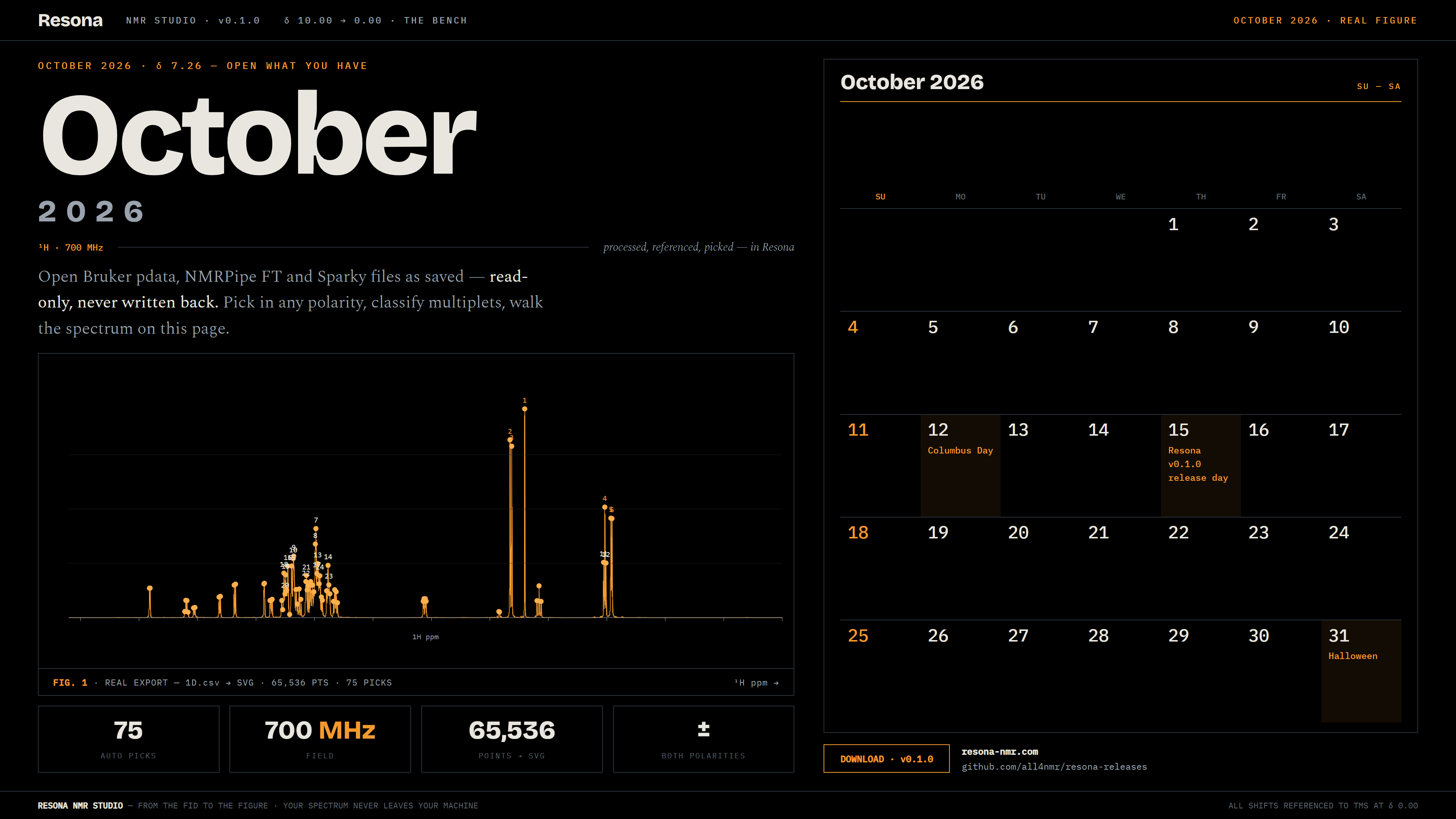
Resona calendar wallpaper — October 2026δ 8.30October 2026Dark ↓Light ↓
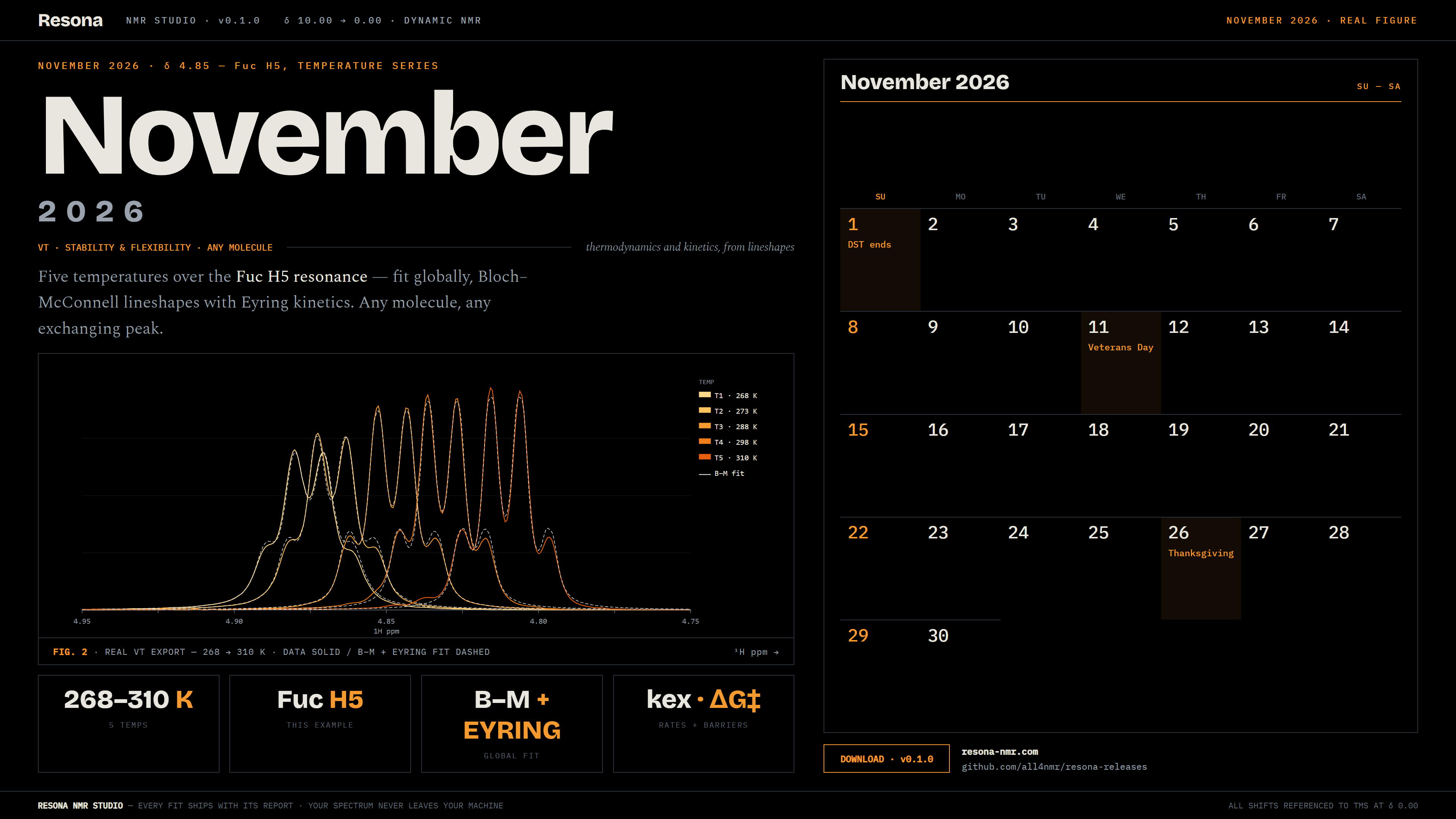
Resona calendar wallpaper — November 2026δ 7.26November 2026Dark ↓Light ↓
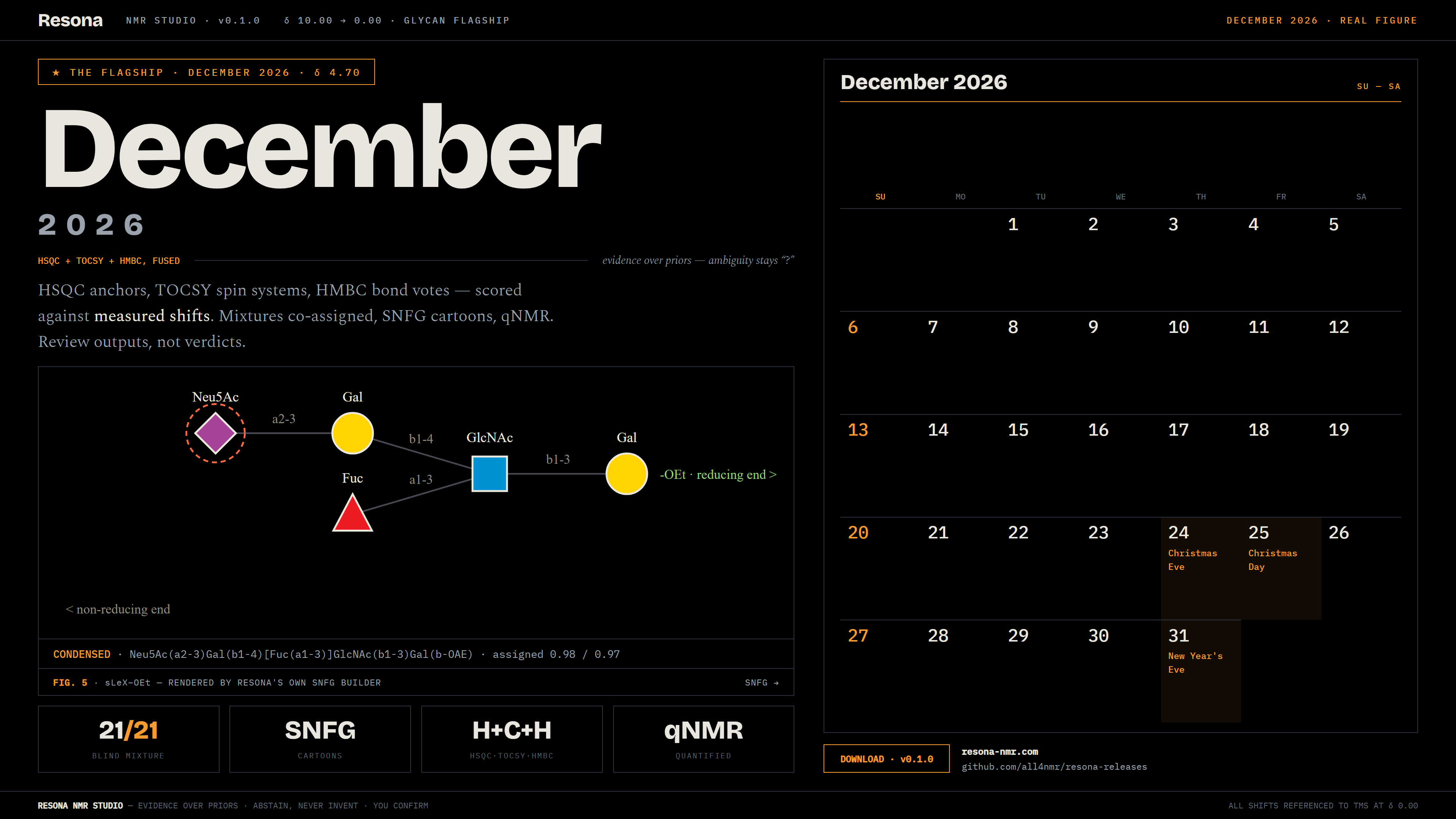
Resona calendar wallpaper — December 2026δ 5.40December 2026Dark ↓Light ↓
Resona calendar wallpaper — January 2027δ 4.70January 2027Dark ↓Light ↓
Resona calendar wallpaper — February 2027δ 3.62February 2027Dark ↓Light ↓
3840 × 2160 PNG  ·  CLICK DOWNLOADS THE FILE  ·  NEW MONTHS SHIP WITH EACH RELEASE
NMR SPACE WAR · SINGLE PLAY

For the waits in between.

Processing runs, the agent works its queue, the simulation spins — meanwhile, fly. A humorous NMR-themed space shooter, free with the site. Opens in a new tab; nothing to install.

NMR SPACE WAR

Single play · WASD + mouse · M toggles sound

Play now →
RUNS OFFLINE  ·  NEW TAB  ·  M TOGGLES SOUND
δ 0.00
δ 0.00TMS — the reference point; everything is measured against it

The reference point.
Start here.

Three Windows packages on GitHub — pick by whether an AI agent will drive Resona on that machine. Free for non-commercial use; commercial use needs a licence. macOS dmg and Linux tarballs on their own tabs.

Build sheet

Version
v0.1.0
Released
October 2026
Requires
Windows 10/11 · x64 · per-user, no admin
  • Two installers share one AppId — installing one over the other upgrades in place
  • NMRPipe optional — your own separate install
  • Docs (this manual) ship inside the install — Help menu
  • Python 3.12+ from source also works
Most users — app + agent server

ResonaSetup-0.1.0.exe

Application and the local MCP server together. Take this one if an AI agent will ever drive Resona on this machine.

Download for Windows ↓ ResonaSetup-0.1.0.exe — 104 MB · via GitHub resona-releases
Lighter — app only

ResonaAppSetup-0.1.0.exe

Application only, no agent server. For machines where no AI agent will ever run. Saves ~36 MB.

Download app only ↓ ResonaAppSetup-0.1.0.exe — 68 MB · via GitHub resona-releases
Agent machine — server only

ResonaMCP-0.1.0-win64.zip

The stdio MCP server alone, for a machine that runs the agent but not the GUI. A server, not a program — your AI client spawns it; launching it by hand looks hung, which is correct.

Download AI server ↓ ResonaMCP-0.1.0-win64.zip — 54 MB · via GitHub resona-releases

Build sheet

Version
v0.1.0
Status
Released — unsigned dmg
Requires
macOS 14 · arm64
  • App and AI server ship as two separate files
  • Unsigned: first launch needs right-click → Open once
  • NMRPipe, if used, runs natively (tcsh)
The app (no AI server)

Resona-0.1.0-mac-arm64.dmg

The application by itself. If an AI client will drive Resona on this Mac, also take the server file below.

Download for macOS ↓ Resona-0.1.0-mac-arm64.dmg — 78 MB · via GitHub resona-releases
AI server only

ResonaMCP-0.1.0-mac-arm64.zip

The local server your AI client spawns. Unzip next to the app and point the client at it — launching it by hand looks hung, which is correct.

Download AI server ↓ ResonaMCP-0.1.0-mac-arm64.zip — 30 MB · via GitHub resona-releases

Build sheet

Version
v0.1.0
Status
Released
Requires
x86_64 · glibc ≥ 2.39
  • No installer — extract and run, no admin, no Python needed
  • Ubuntu 24.04+, Debian 13+, RHEL 10+, recent Fedora — older releases (Ubuntu 22.04, RHEL 8/9) are refused by glibc
  • NMRPipe, if used, runs natively — no VM
The app (no AI server)

Resona-0.1.0-linux-x64.tar.gz

Extract and run ./Resona — double-click works too. Deleting the folder uninstalls.

Download for Linux ↓ Resona-0.1.0-linux-x64.tar.gz — 123 MB · via GitHub resona-releases
AI server only

ResonaMCP-0.1.0-linux-x64.tar.gz

The local server your AI client spawns. Extract next to the app and point the client at it.

Download AI server ↓ ResonaMCP-0.1.0-linux-x64.tar.gz — 57 MB · via GitHub resona-releases
Licence — free for non-commercial use only; commercial use needs a paid licence. Reverse engineering and redistribution prohibited. Not bundled — NMRPipe needs its own install. Privacy — processing, fitting, assignment and the MCP server all run on your machine. v0.1.0 — first public release.

Questions, briefly answered

ResonaSetup-0.1.0.exe (104 MB) if an AI agent will ever drive Resona on that machine — most users. ResonaAppSetup (68 MB) if never. ResonaMCP zip (54 MB) for an agent-only machine. The two installers share one AppId, so switching is an upgrade in place.
Only for the Pipe bridge — and it is never bundled. Install NMRPipe separately; Resona detects it and drives fid.com / proc.com from the panel. On Windows that needs WSL2 + tcsh; macOS and Linux run natively. Everything else stands alone.
A local stdio server (55 tools) with the .md manuals agents read on connection — same engines as the GUI, file-first, no GUI required. Review and preview are free; applying labels needs your explicit confirmation (human_confirmed + a statement). Studio runs fine without it. Point your client at ResonaMCP.exe, never at the GUI exe.
Processed Bruker pdata (1r/2rr/3rrr, with a raw-FID preview for unprocessed folders), NMRPipe frequency-domain files (.ft/.ft1/.ft2), and Sparky .ucsf 2D/3D with peak lists. Read-only — your source folders are never written to. Projects save as small portable .resona.json sidecars.
No — it proposes. Protein placements and glycan rows stay tentative until you approve them in the review gate (approve/hold → preview → apply → undo). Weak evidence yields abstained / “?”, never a guess. The agent may prepare a preview but must not apply without your go-ahead.
No. Processing, fitting, assignment, and the MCP server all run locally. Your spectra never leave your machine — and the operator contract forbids sending unpublished data to external APIs by default.